CMS WordPress is a content management system that allows users to build their own websites to post and manage blogs[1]. WordPress started as a blogging platform but have evolved to support business content and e-commerce stores. The platform offers multiple options for non-technical as well as technical users to launch websites using the WordPress host server or using their own private server. WordPress is the largest content management system in the world and manages about one-third of all websites[2].
WordPress CMS Features
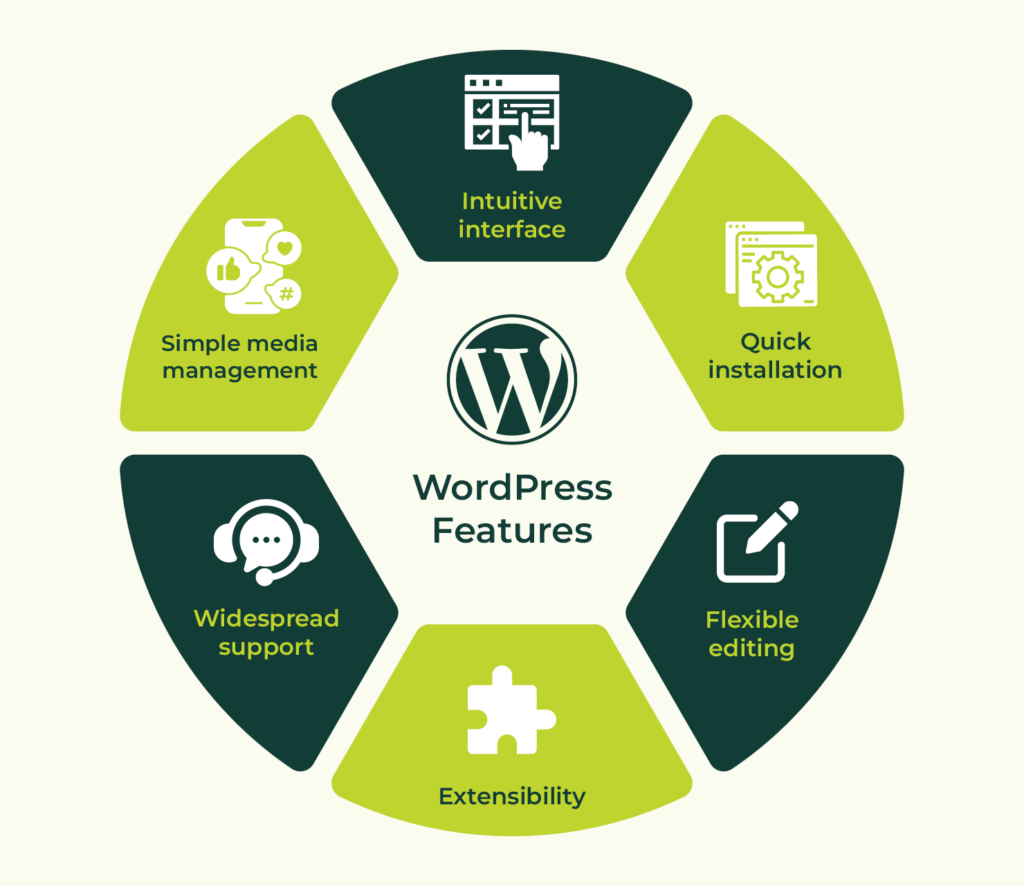
CMS WordPress offers a list of default features for building basic websites, such as theme customization, media management (upload images, videos, etc.), blog editor and search engine optimization (SEO). The platform is built for flexibility through the use of plug-in features for enhanced customization. WordPress also has built-in security features such as automatic plug-in updates, web application firewall to block malicious attacks, and log-in authentication to prevent unauthorized access to web content.
Advantages of using CMS WordPress
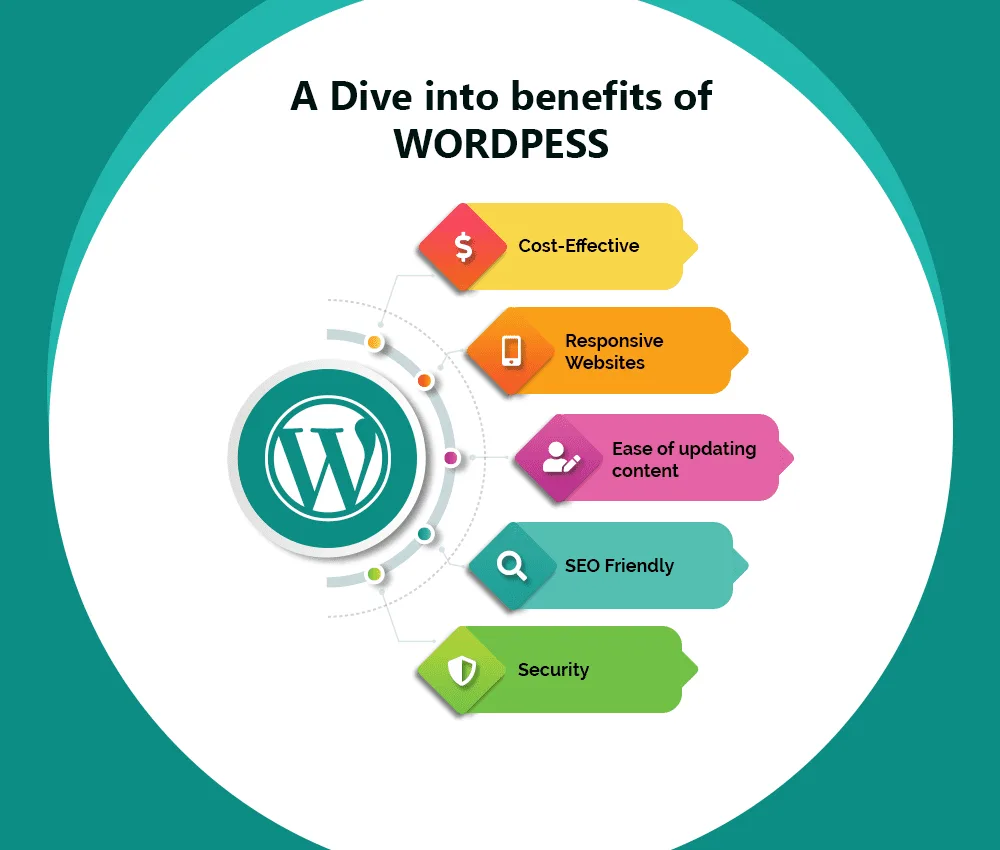
CMS WordPress provides a user-friendly and cost-effective approach for managing content for a wide range of application, from personal blog, e-commerce, membership websites to online courses. CMS WordPress is an open-source platform, meaning that many of the themes and plug-ins are free to install. The only costs associated with keeping the websites live are hosting and domain costs. The platform has a strong community of support with available resources to help guide new users in building their websites. CMS WordPress content is supported by different types of devices, including smartphone and tablet. Web content can be scaled up easily to add pages and plug-ins for more functionality. Websites hosted by WordPress are discoverable by search engines, which helps to improve visibility and network traffic, making it a great tool for growing small businesses[3].
References:
- [1] Albert, Jose. “Wordpress: What Is a CMS? Utility and Features.” Desde Linux, 6 May 2019, blog.desdelinux.net/en/most-popular-wordpress-cms/.
- [2] “What Is a Content Management System and How to Choose the Best CMS for Your Needs.” WordPress.Com, 6 July 2018, wordpress.com/go/tutorials/what-is-a-cms/.
- [3] Fryauff, Mike. “Top 10 Benefits of WordPress.” Digital Polygon, www.digitalpolygon.com/blog/top-10-benefits-of-wordpress. Accessed 25 Jan. 2026.


Leave a Reply to Alekhya Dabbiru Cancel reply